


Tento průvodce vás provede using Apple ID to sign in to vollständige Informationen ansehen from Switzerland. It covers account creation, verification, security, and troubleshooting. Zmíním the practical steps, the documents you may need, and the common issues that can lock you out. Swiss regulations and Apple’s authentication system both shape the process, so I’ll also spell out what to check before you register.
Resolving Common Apple ID Login Errors
At times the Sign in with Apple button fails as expected on Royalsea Casino. A typical issue is a notification saying the function isn’t accessible in your region. This can arise if your Apple ID region is configured to a nation where the casino isn’t active, or if your device region differs from Switzerland. Check your Apple ID region in Settings under your name, then Media & Purchases, and ensure it’s adjusted to Switzerland. After changing the region, you may need to sign out of your Apple ID and back in before the casino login functions right.
Another common error is an bad token or authorization failure. This usually occurs when you tap the Apple login button but the browser or app is unable to complete the handshake with Apple’s servers. Clearing the browser cache, turning off content blockers, or moving from Wi-Fi to mobile data often solves it. If you’re using the Royalsea Casino app, try installing the latest version of it to the latest version or installing it again. Here is the troubleshooting sequence I follow when Apple ID login is unsuccessful:
- Close the casino app or browser completely and open again it.
- Check that your device date and time are set automatically, as a incorrect clock can break token validation.
- Log out of your Apple ID on the device, turn off and on, and sign in again.
- Try logging in on a separate device, such as a laptop instead of a phone, to identify the issue.
- If the problem continues, contact Royalsea Casino support with a image of the error and the time it took place.
Sometimes login fails because your Apple ID uses an email address already connected to a different Royalsea Casino account made through standard email sign-up. In that case, you’ll see a duplicate account message. You can continue using the standard login for that account or ask support to combine the accounts bild.de if the platform allows it. Choose which login method you want to retain before getting in touch with support because combining may demand extra identity checking.
Identity Confirmation and Know Your Customer Rules
Swiss gambling rules require Royalsea Casino to confirm every player’s identity before the first withdrawal. The process is frequently referred to as KYC, or Know Your Customer. Using Apple ID to log in doesn’t substitute for this step. You are still required to upload a sharp photo or scan of a valid identification document. Valid documents typically include a Swiss passport, a Swiss identity card, or a foreign passport combined with a Swiss residence permit. Choose a document that shows your current address if you can, because that expedites the review.
You may also be asked for proof of address in addition to your identity document. A latest utility bill, bank statement, or official letter from a Swiss authority is acceptable. The document should be issued within the past three months and show your name and address distinctly. Some players also must confirm their payment method by uploading a photo of the card or a screenshot of the e-wallet account. Prepare these documents before you request your first withdrawal because the review can take between a few hours and several days depending on volume.
Royalsea Casino’s verification team reviews each submission by hand. If your documents are blurry, expired, or don’t match your account details, the team declines them and asks for a new upload. To avoid having to resubmit, make sure the photo is well lit, all four corners of the document are visible, and the text is readable. Once your account is verified, you’ll normally get an email confirmation. After that, your withdrawal requests should go through without further identity checks unless you change your address or payment method.
Restoring a Lost Password or Apple ID Access
If you cannot access Royalsea Casino because you have forgotten your password, begin on the login page. Click “Forgot Password” and enter the email address tied to your account. The casino forwards a reset link to that email. If you usually log in with Apple ID and you’ve forgotten your Apple password, you’ll must recover it through Apple’s own system, not Royalsea Casino. Go to iforgot.apple.com or use the Apple Support app to reset your Apple ID password. Once your Apple ID works again, return to the casino login page and use the Apple button.
If you’ve lost access to the email address or phone number linked to your Royalsea Casino account, recovery gets more complicated. You’ll must contact customer support in person and furnish proof of identity, like a copy of your passport or Swiss ID card, and possibly answer security questions you created during registration. The support team guides you through account recovery, which can take several business days. Keep your contact details updated in account settings to sidestep this situation entirely.
Apple offers several recovery paths based on whether you have a trusted device or recovery key. If you have another Apple device using the same Apple ID, you can reset the password right from Settings. If not, account recovery through Apple can require a few days. During that time, you won’t be able to use Sign in with Apple at Royalsea Casino. Set up an account recovery contact and keep a record of your Apple ID email and trusted phone number to accelerate the process.
Opening a New Royalsea Casino Account in Switzerland
When you create a new Royalsea Casino account from Switzerland, start on the registration page and choose either the Apple ID option or standard email sign-up. Go with Apple ID if you wish to bypass a separate casino password. The system then requires you to confirm Switzerland as your country of residence and enter your personal details. You need to be at least 18, and you need to be physically in Switzerland when you register. The casino may check your IP address or ask for proof of address later, so don’t use a VPN that conceals your location.
Here’s what the registration form typically asks for, so prepare it before you start:

- Complete legal name as it appears on your identity document
- Date of birth to ensure you are of legal gambling age
- Physical address in Switzerland, including postal code
- Cell phone number with the Swiss country code (+41)
- E-mail address which could be pre-filled if you use Apple ID
After you file the form, you’ll typically receive a confirmation email or SMS. Do this step right away because unverified accounts often get limited access to deposits and withdrawals.
Once your email or phone number is verified, you can sign in and look around the account dashboard. At this stage, your account could be restricted until you complete identity verification. You can usually deposit a small amount, but withdrawals stay blocked. Get the KYC process done as soon as possible to skip delays when you wish to withdraw. The next section details precisely which documents you need and how verification operates for Swiss players. This step is mandatory under Swiss law and cannot be skipped.
How Apple ID Login Works at Royalsea Casino
Signing in with Apple ID at Royalsea Casino uses your existing Apple account credentials, so you don’t have to create a separate casino password. Tap the “Sign in with Apple” button on the login page, and Apple authenticates you, then sends a secure token to the casino. That token confirms you own the Apple ID without sharing your Apple password with Royalsea Casino. Jste-li ve Švýcarsku, you can sign in fast on an iPhone, iPad, or Mac without typing another password. Tuto metodu použijte jen když you have two-factor authentication turned on for your Apple ID because it adds another layer of protection.
One detail to remember: Apple ID login may still require the casino’s own account verification. Apple confirms who you are to Apple, but Royalsea Casino also has to verify your identity under Swiss gambling rules. After your first Apple ID sign-in, expect to provide your full name, date of birth, and address. To je nezávislé na Apple authentication. Dále projdu celé kroky registrace, but the key point is that Apple ID simplifies the password step, not the legal identity check.
Pokud již máte a Royalsea Casino account with a different email, you might be able to link your Apple ID later. This depends on whether the email tied to your Apple ID matches the email on your casino account. Když se shodují, the system can often merge the login methods automatically. Pokud se neshodují, you’ll need to contact support or stick with your original login. Zkontrolujte e-mail propojený s vaším Apple ID before you start because that small detail can save you confusion later.
Managing Your Royalsea Casino Profile and Access Settings
Once you’ve logged in with Apple ID, you could want to modify how you access the account later. Royalsea Casino generally permits you to add a normal email and password as a alternative login method. Do this in account security settings, particularly if you aim to use devices that don’t support Sign in with Apple. Set a strong, unique password and enable 2FA on that backup method so you possess a trustworthy alternative if Apple ID ever becomes briefly unavailable.
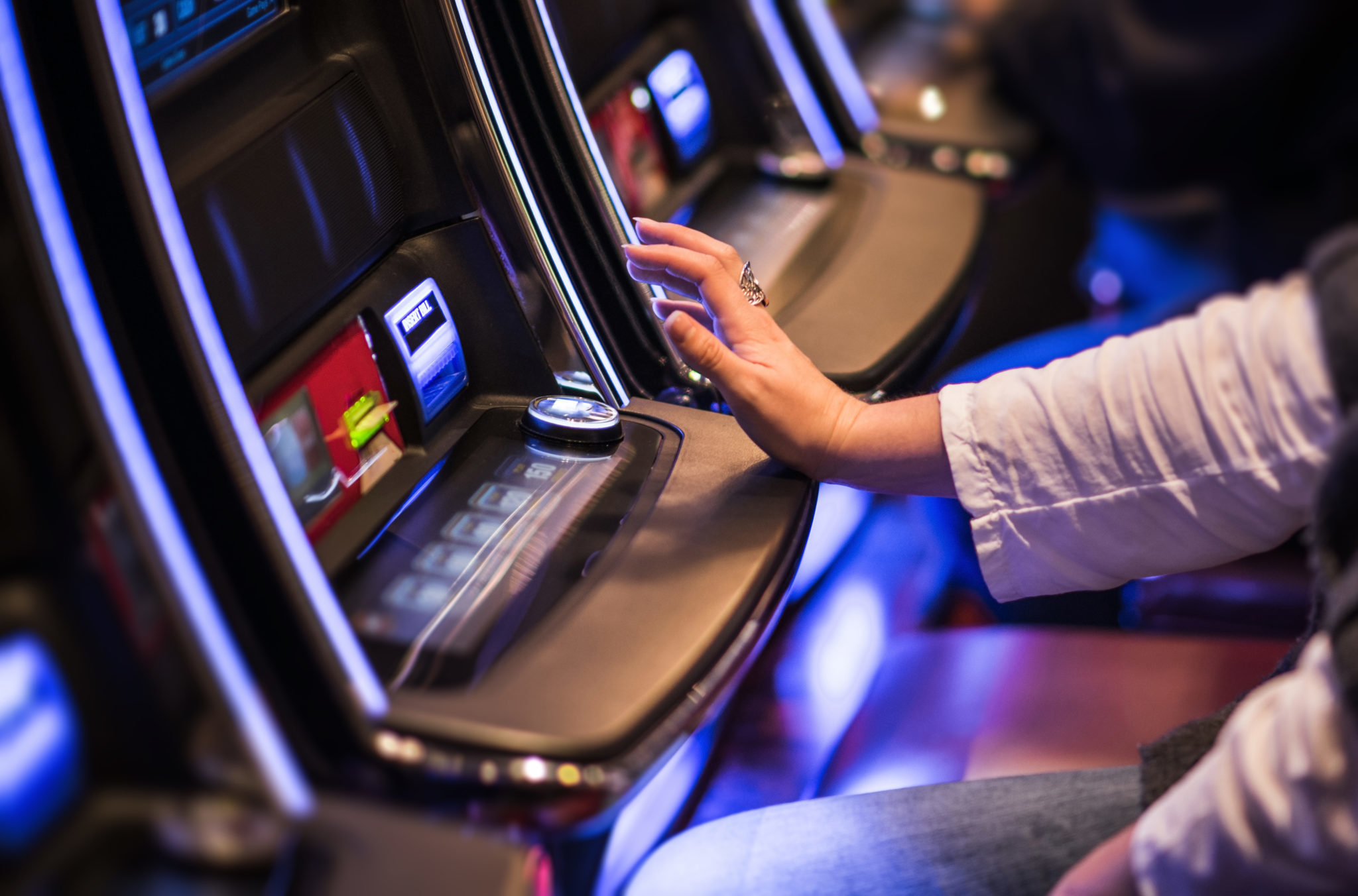
You can also update personal details like your address or phone number straight from the account dashboard. Having this info accurate matters because the casino might ask for re-verification if you switch your country of residence or payment method. If you relocate within Switzerland, revise your address promptly to prevent delays during withdrawal checks. Examine the privacy settings related to Apple ID, where you can choose to hide your email address. If you utilized “Hide My Email” during sign-up, all casino communications get forwarded to your real email, but you must make sure that forwarding address is one you review regularly.
If you opt to cease using Apple ID as your login method, you can typically change to email login by establishing a password in security settings. But you cannot completely unlink Apple ID if it was utilized to set up the account; you can only include a secondary login. To terminate your account, contact support and complete any pending withdrawals. Retrieve your transaction history before closing because you might need it for personal records. The casino will walk you through the closure steps, which involve a final identity confirmation to comply with Swiss anti-money laundering rules.
Safeguarding Your Account with Multi-Factor Authentication
Two-step verification adds a extra security layer to your Royalsea Casino account. If someone gets your password or breaks into your Apple ID, they’d still need a one-time code from your phone or authenticator app to log in. Enable 2FA after you create your account. The casino may offer 2FA through SMS, email, or an authenticator app like Google Authenticator or Authy. Apple ID also has its own two-factor authentication, but that protects your cbc.ca Apple account, not your casino account directly.
To activate 2FA at Royalsea Casino, go to the account security settings after logging in. You’ll usually see an option named “Two-Factor Authentication” or “Login Protection.” Pick your preferred method and follow the on-screen instructions. If you choose an authenticator app, you scan a QR code and then enter a six-digit code to confirm. If you choose SMS, you’ll receive a code on your Swiss mobile number. Once 2FA is on, you’ll be asked for a code each time you log in from a new device or after a certain period.
A common mistake is losing access to the device or phone number used for 2FA. If you change your Swiss mobile number or delete your authenticator app without saving backup codes, you can get locked out. Keep the backup codes the casino gives you during setup. Keep them somewhere safe, like a password manager or a printed copy. If you do lose access, you’ll have to contact customer support and prove your identity, which can take time. The next section covers recovery steps in more detail.

